What's New

Stay up to date with the latest features and improvements

v1.15.0 Latest New Features

Live Charging View & Dashboard Redesign

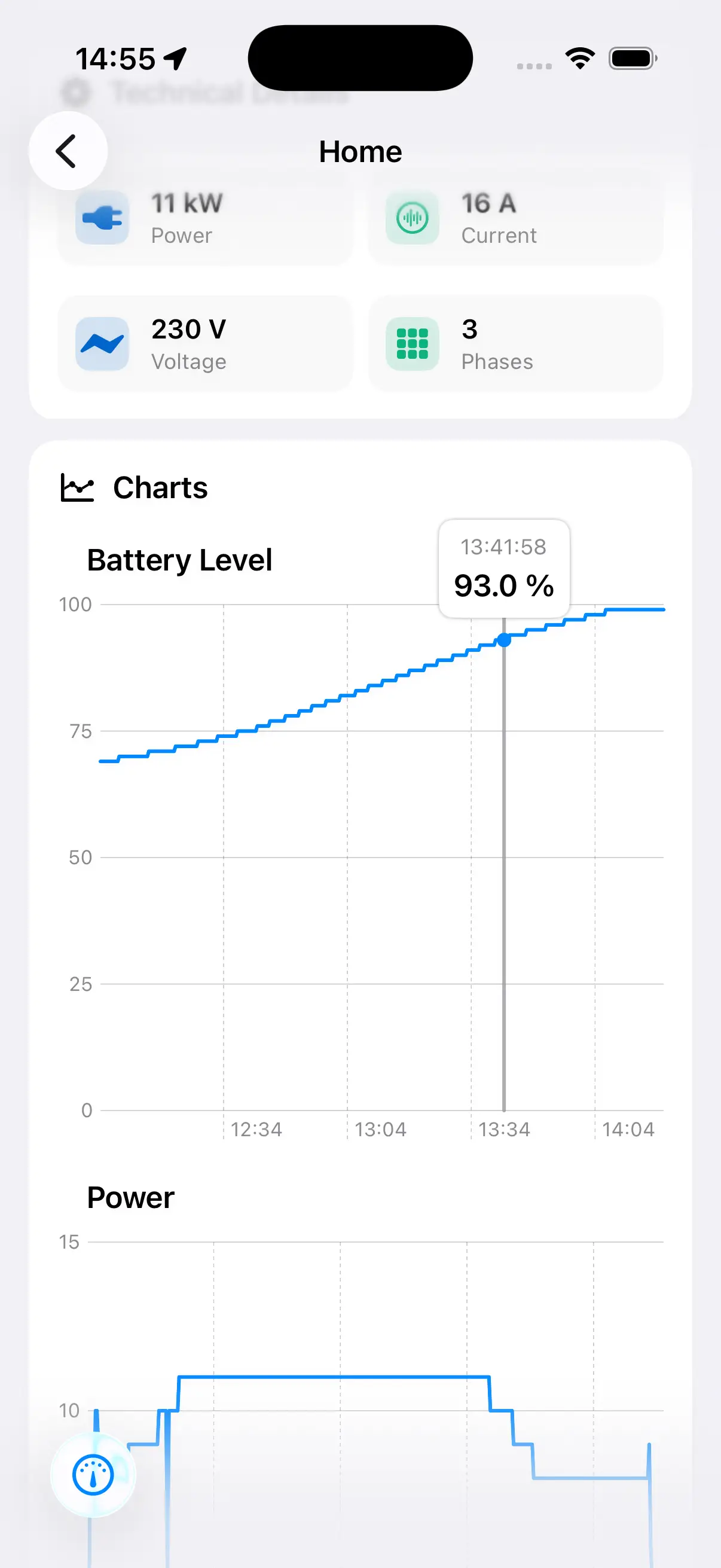
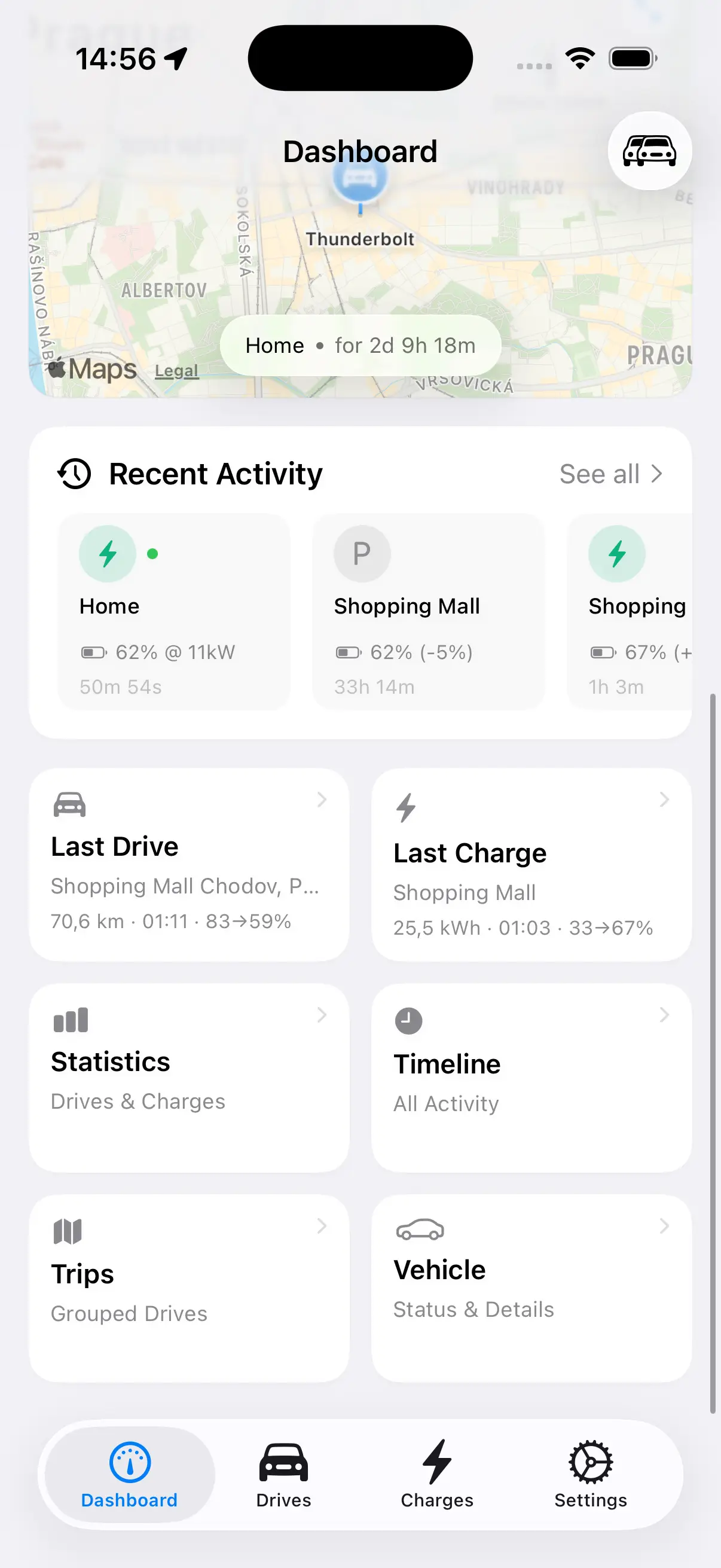
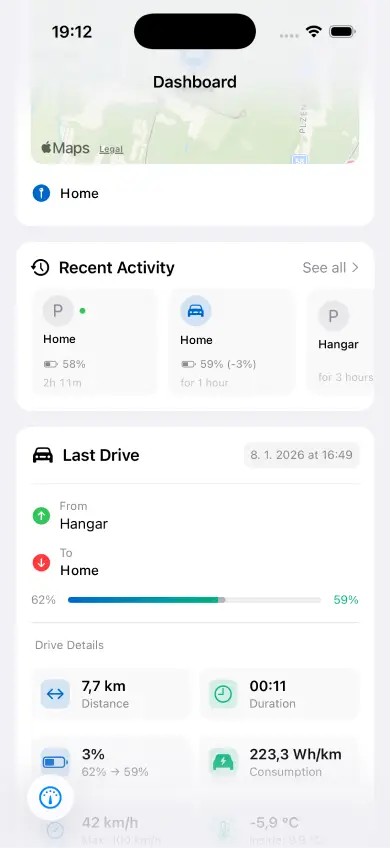
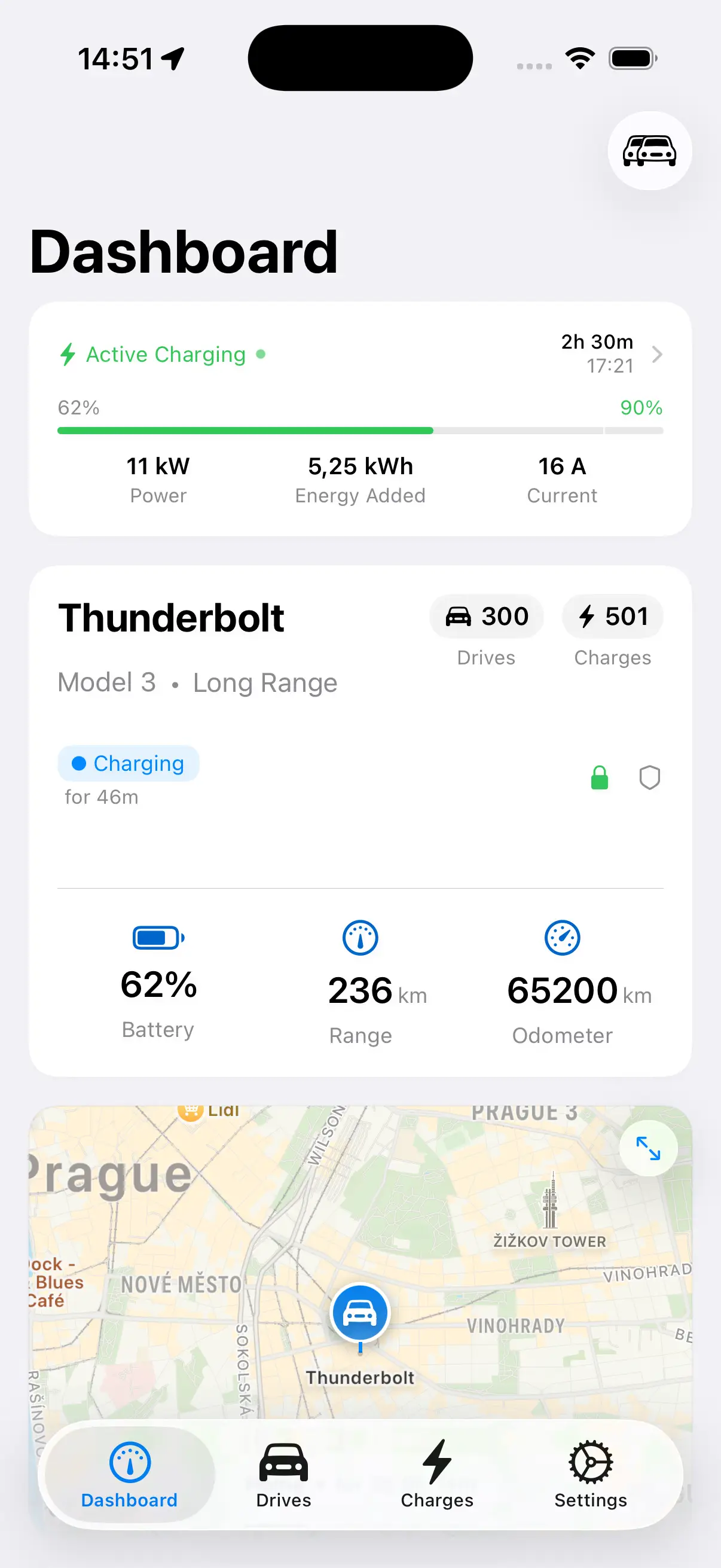
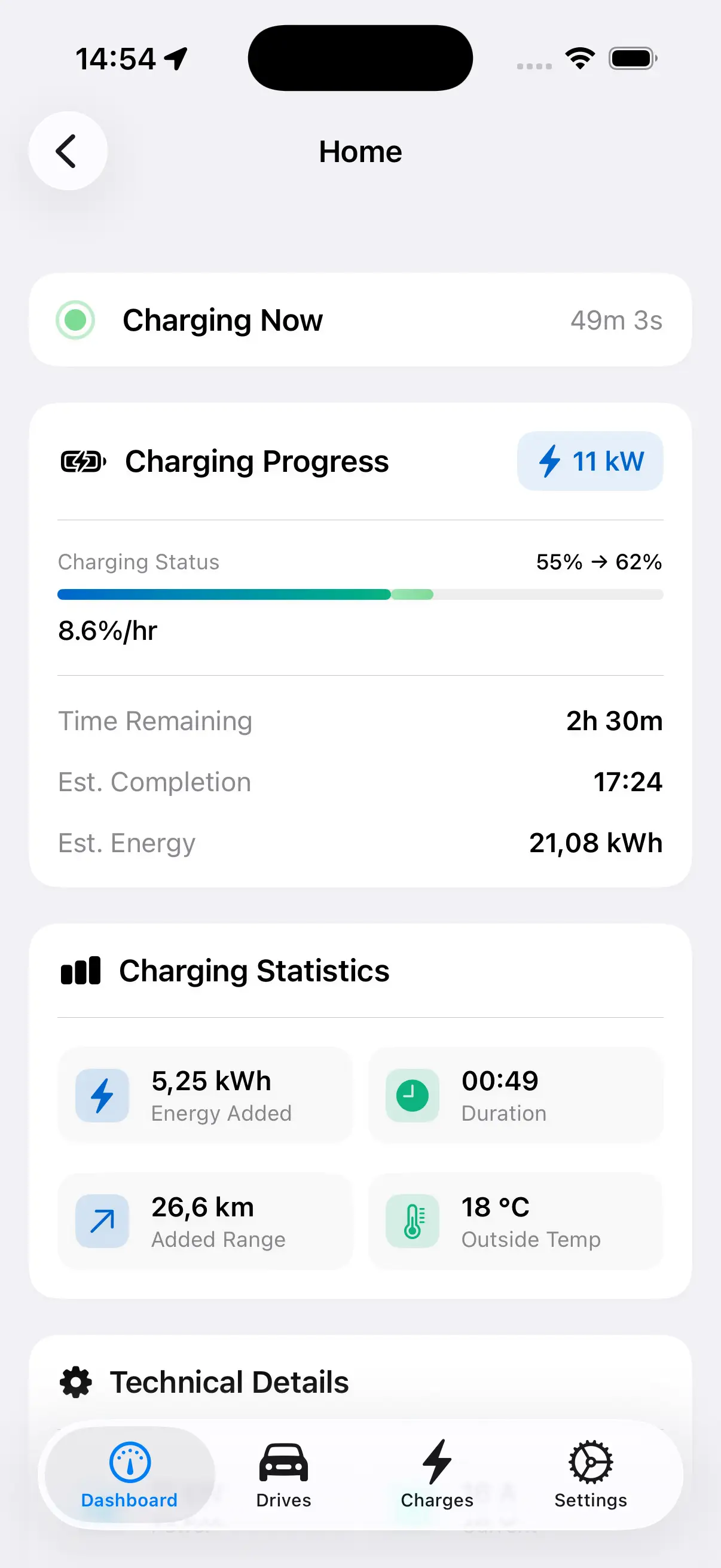
Monitor your charging sessions in real time with the new Live Charging View. Interactive charts display power output and battery level as your Tesla charges, giving you complete visibility into every session. This update also brings full support for TeslaMate API 1.24 and a refreshed dashboard design with improved layout and smoother navigation.

  • Live charging session view with real-time interactive power and battery level charts
  • Full support for TeslaMate API 1.24
  • Refreshed dashboard design with improved layout
  • Bug fixes and performance improvements
v1.14.1 Improvements

Precision & Polish

This update focuses on refining your HedgieMate experience with improved accuracy and better time handling. Vehicle status now displays time information more clearly, and users in China will notice significantly improved coordinate precision on maps. We've also added complete Portuguese language support, welcoming our Portuguese-speaking Tesla community.

  • Enhanced time display for vehicle status updates
  • Improved coordinate accuracy for China region maps
  • Full Portuguese language support (Português)
  • Bug fixes and stability improvements
v1.14.0 New Features

Route Visualization: See Your Drives in Color

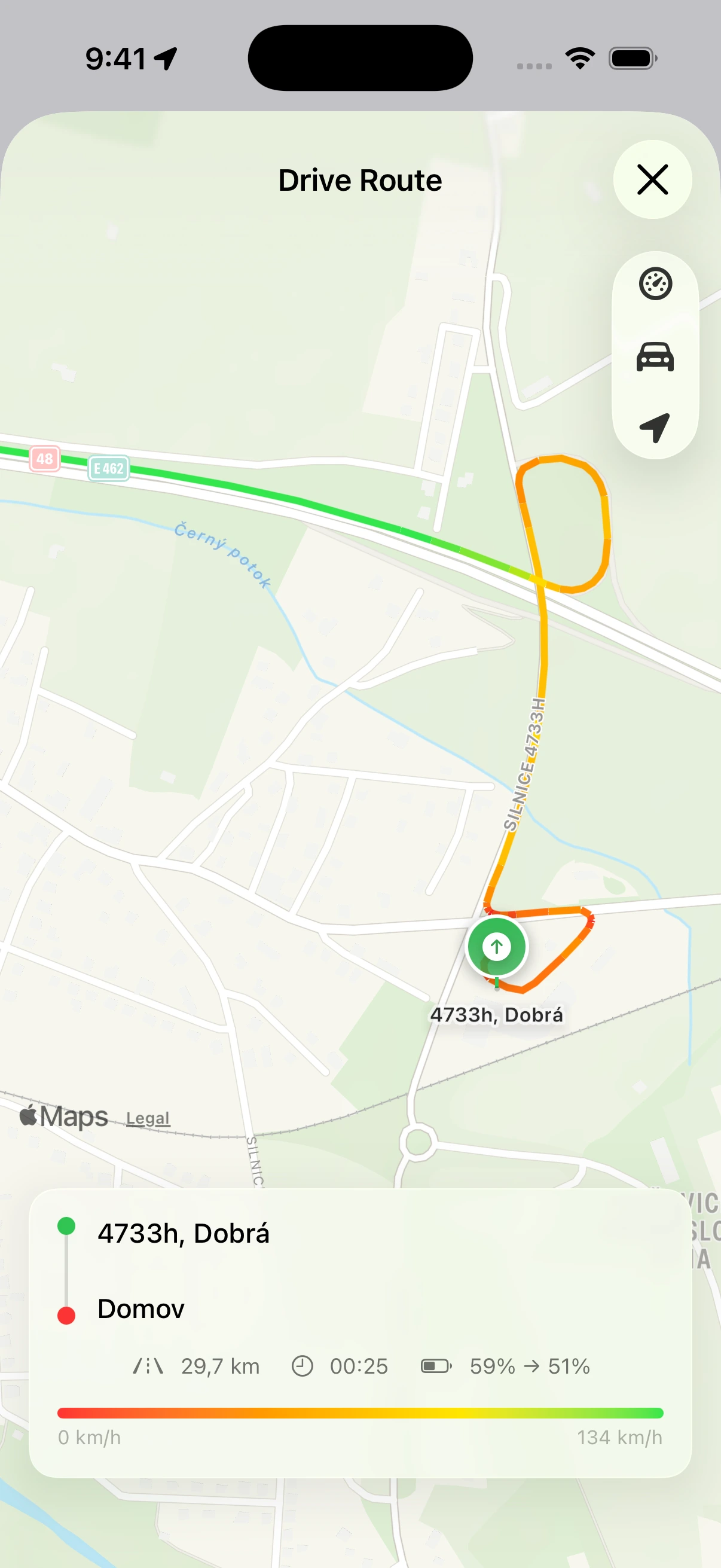
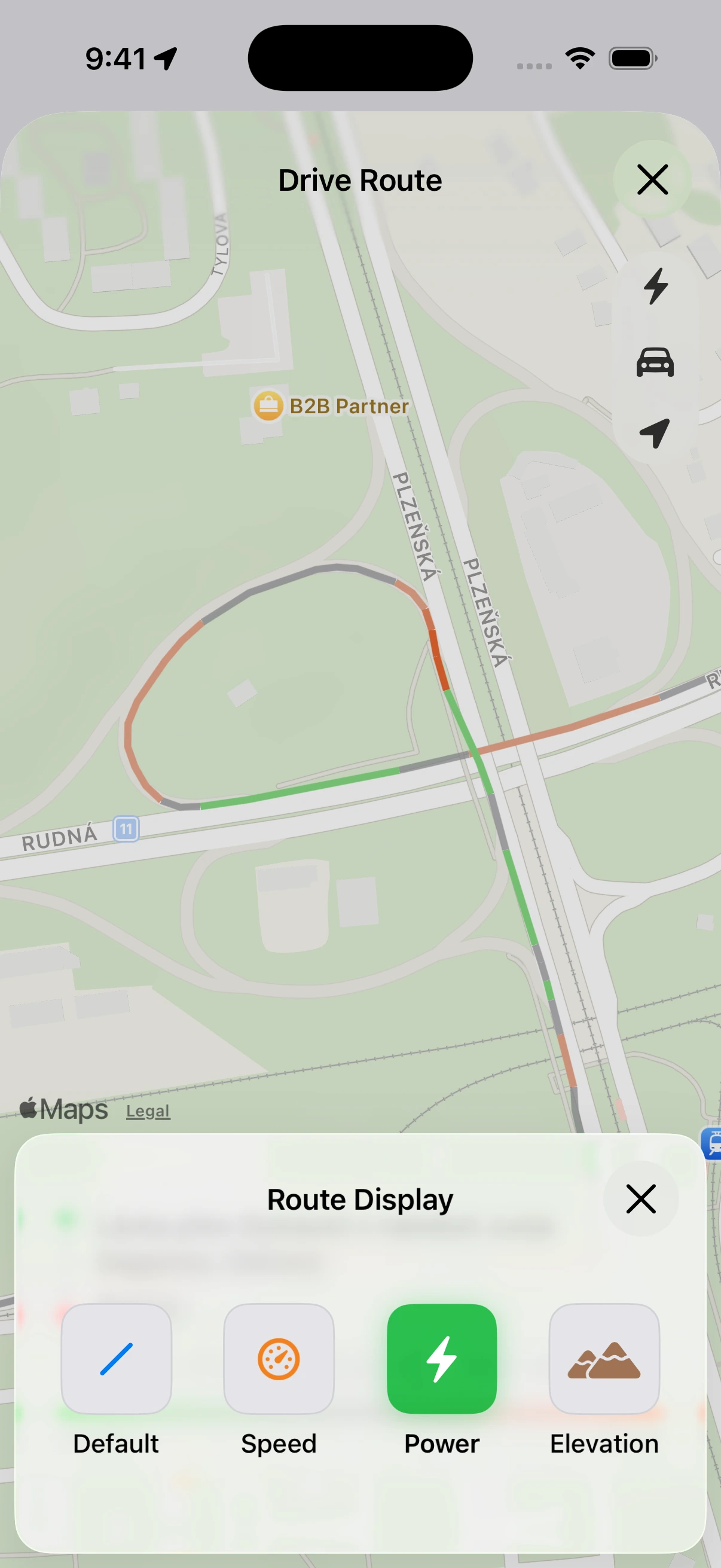
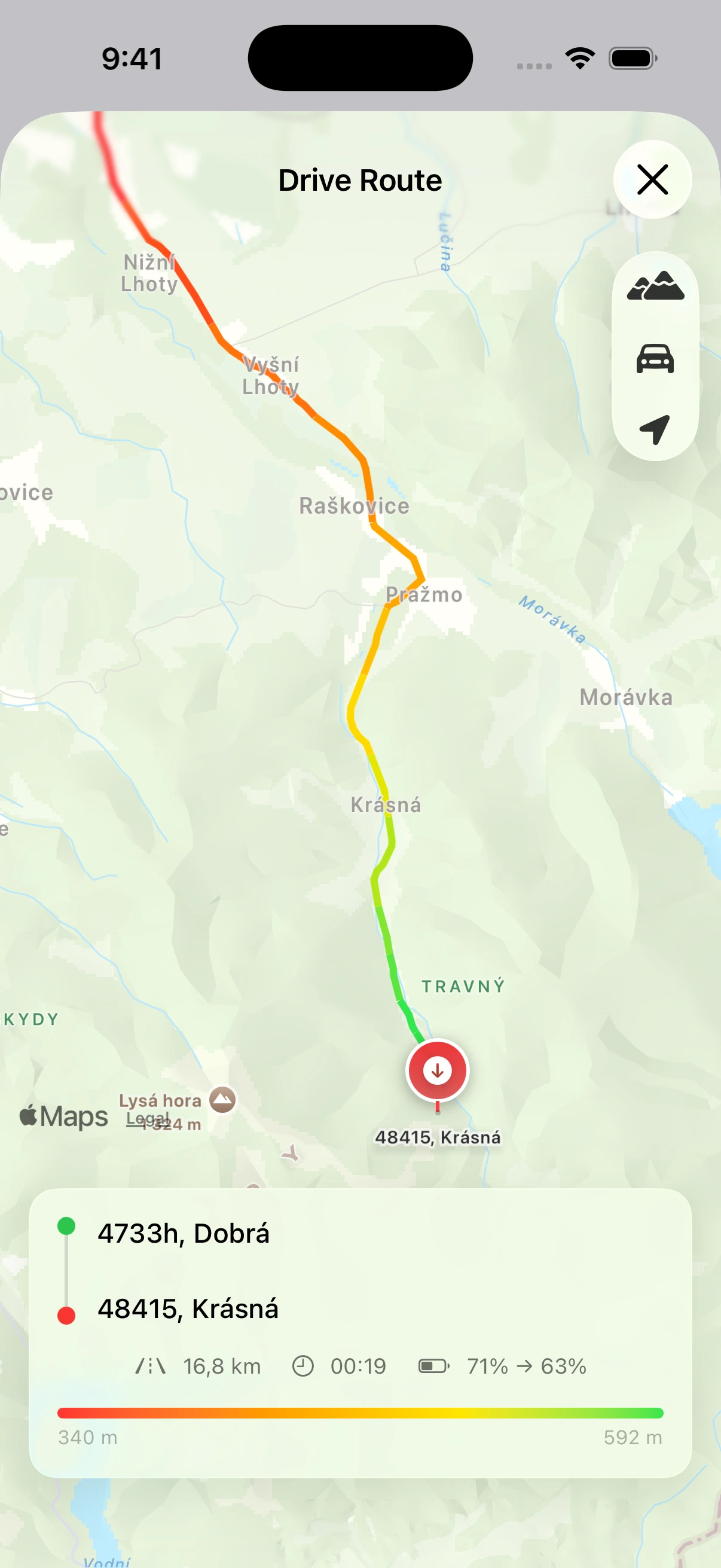
Transform your trip history into stunning visual insights. The new Route Visualization feature color-codes your driving routes based on three key metrics: speed, power consumption, or elevation. Instantly identify where you drove fastest, consumed the most energy, or climbed the steepest hills. Whether you're optimizing for efficiency or just curious about your driving patterns, colored routes bring a new dimension to your Tesla data analysis. This update also introduces full Turkish language support, making HedgieMate accessible to even more Tesla owners worldwide.

  • Color-coded routes by speed: See where you drove slowest in red, fastest in green
  • Power consumption visualization: Identify high-drain segments at a glance
  • Elevation mapping: Track altitude changes along your route with gradient colors
  • Full Turkish language support (Türkçe)
  • Bug fixes and performance improvements
v1.13.0 New Features

Home Screen Widgets & Timeline

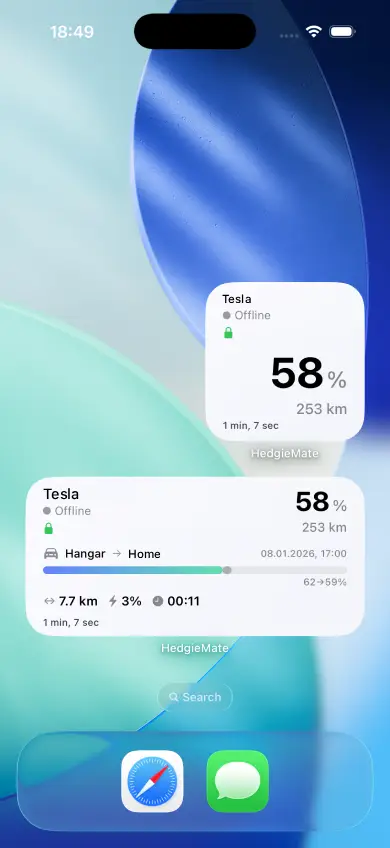
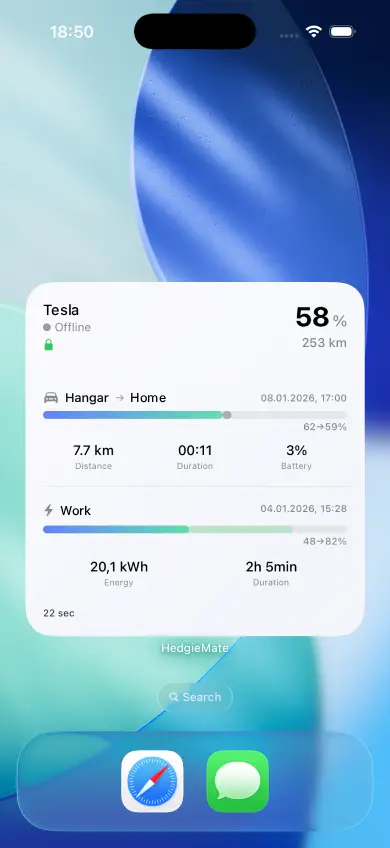
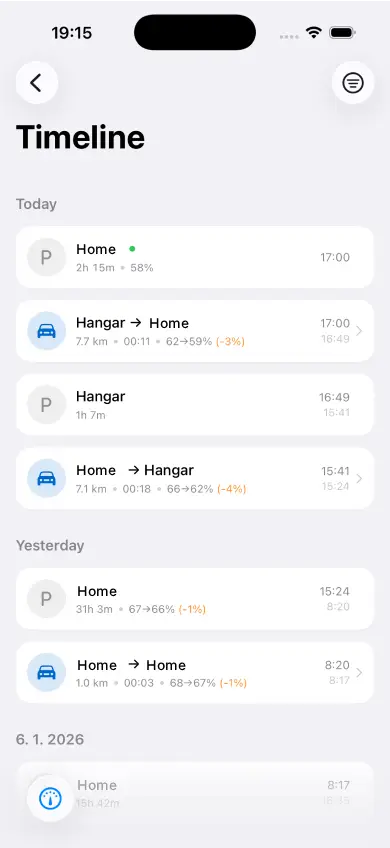
Get instant access to your Tesla's key stats without even opening the app. The new Home Screen widgets display battery level, range, and location at a glance. Plus, the Timeline feature brings TeslaMate's beloved parking and battery drain tracking directly to your iPhone, letting you monitor vampire drain and see exactly where your car has been parked. Battery Health now lets you set a custom 'new battery' capacity for more accurate degradation tracking.

  • Home Screen widgets showing battery, range, and location
  • Timeline view for parking history and vampire drain analysis
  • Battery Health: Manual 'new battery' capacity setting for accurate health calculations
  • Full German language localization
v1.12.5 Bug Fix

Stability Improvements

This maintenance release focuses on reliability and performance. We've squashed several bugs reported by our community and optimized the app for smoother scrolling and faster data loading. Your TeslaMate experience should feel noticeably more responsive.

  • Fixed several community-reported bugs
  • Improved app responsiveness and data loading speed
  • Enhanced overall stability
v1.12.4 New Features

Benvenuto! Italian Language Support

HedgieMate now speaks Italian! Thanks to our amazing community translators, Italian Tesla owners can enjoy the full app experience in their native language. We've also addressed several bugs to ensure a smoother experience for all users.

  • Complete Italian language localization
  • Community-driven translations
  • Various bug fixes and improvements
v1.12.3 New Features

Rewind 2025: Your Year in Review

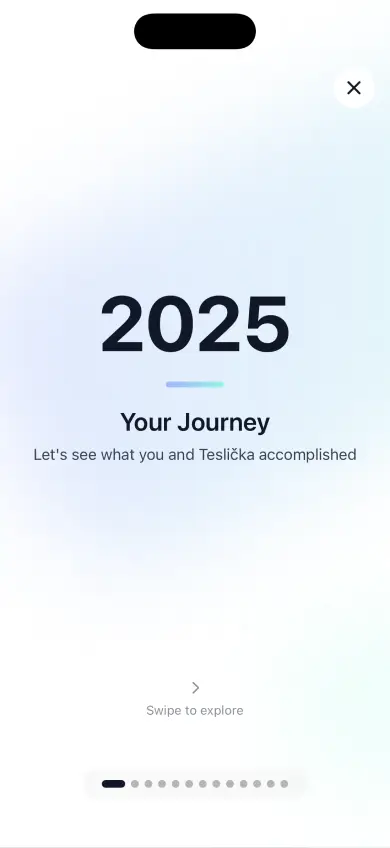
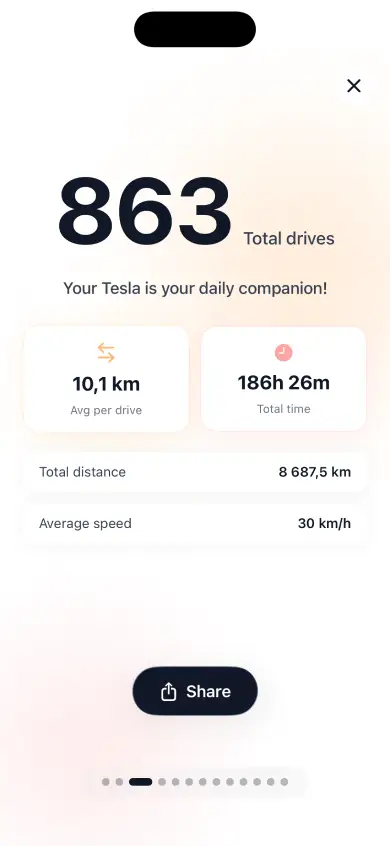
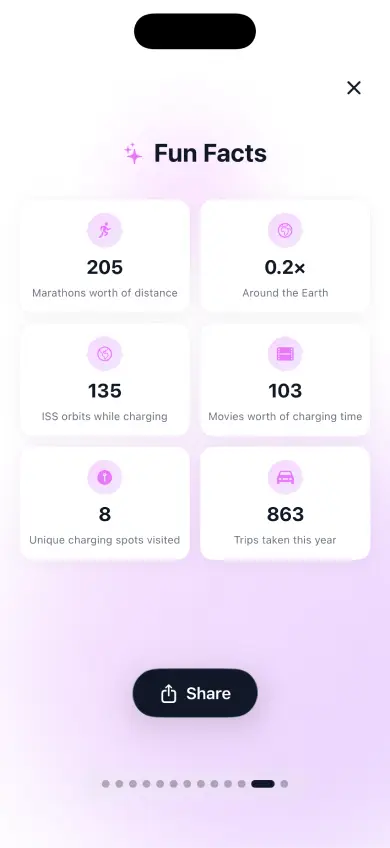
How far did you drive this year? How much energy did you use? Rewind gives you a beautiful, personalized summary of your Tesla journey throughout 2025. See your total miles driven, energy consumed, favorite charging spots, and more in a shareable format.

  • Rewind: personalized yearly driving statistics
  • Shareable year-in-review cards
  • Fixed Pro license sync with multiple Apple IDs
v1.12.2 Bug Fix

Precision Energy Tracking

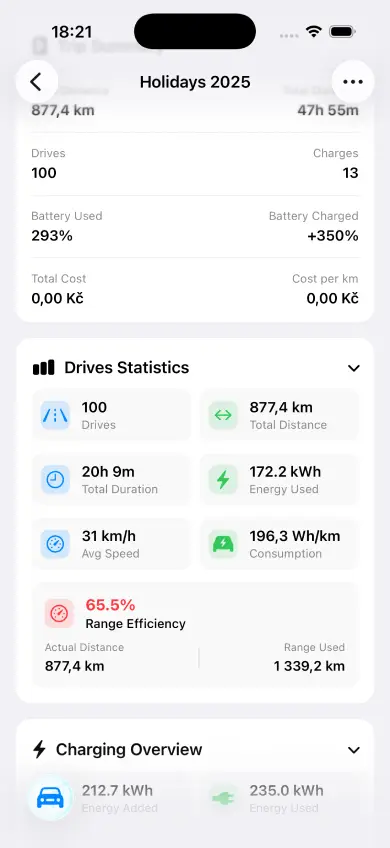
We've refined our energy consumption calculations to deliver more accurate efficiency metrics in the Trips feature. Short drives now correctly account for climate preconditioning and other factors, giving you a true picture of your Tesla's real-world efficiency.

  • More accurate energy consumption in Trips
  • Improved efficiency calculations for short drives
  • Better handling of preconditioning energy
v1.12.1 New Features

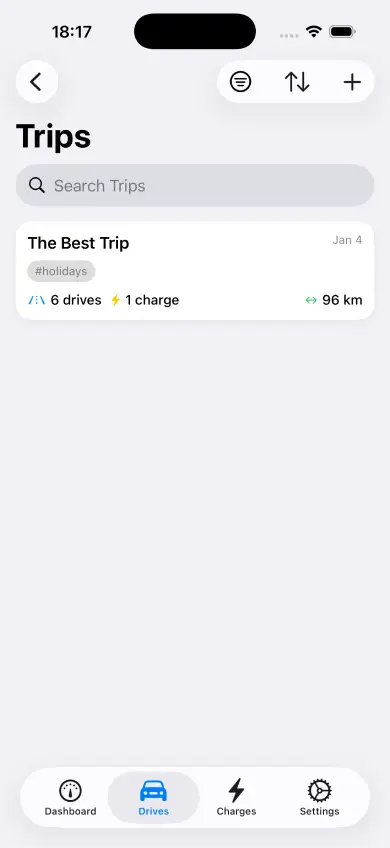
Introducing Trips: Your Journey Organizer

The most requested feature is finally here! Trips lets you group multiple drives and charging sessions into meaningful journeys. Planning a road trip? Track the entire adventure as one trip. Daily commuter? See your weekly work travel stats at a glance. You can also edit charging costs directly and we've added Chinese and Korean language support.

  • Create custom trips from drives and charging sessions
  • Perfect for road trips, commutes, and travel analysis
  • Edit charging costs from the charging detail screen
  • New languages: Simplified Chinese and Korean
  • Cleaner interface during DC fast charging
v1.11.1 Bug Fix

Data Sync Fix

We identified and resolved an issue that prevented some users from seeing their latest drives and charging sessions. If your recent Tesla activity wasn't appearing in HedgieMate, this update fixes that. Your data should now sync properly from TeslaMate.

  • Fixed sync issue for new drives and charges
  • Improved data refresh reliability